 QuickMovie
MP4 vs WebM: Which Should You Save As?
QuickMovie Team · 2026-10-10
When saving a video you sometimes have to choose between MP4 and WebM. Both are video files, but their uses and compatibility differ. This guide clears up the confusing terms and explains which to pick when.
Container and codec
A file extension (.mp4, .webm) names the container, the "box" that holds video and sound. The compression method of what is inside is the codec. MP4 usually holds H.264 video and AAC sound; WebM holds VP8/VP9 video and Opus sound.
When MP4 is better
- It plays on almost every device: phones, TVs, Windows and Mac.
- It can be uploaded to most services, including YouTube, Instagram and messengers.
- It is compatible with most editing software.
Unless you have a specific reason, MP4 (H.264) is the safest choice.
When WebM is used
WebM was made for the web, plays well in browsers and uses royalty-free codecs. Recording a screen in a browser often yields WebM by default. But some editing programs, upload services and older devices cannot play or upload it.
Converting WebM to MP4
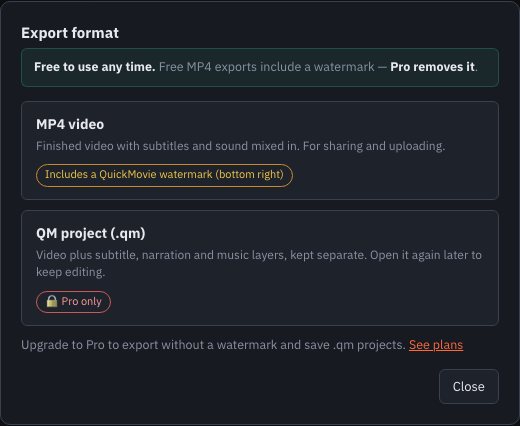
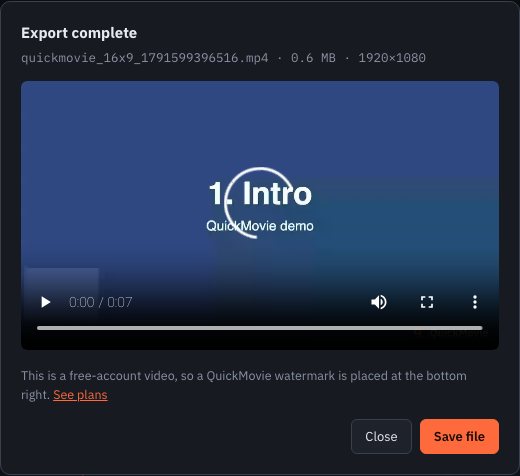
Load a WebM video into the QuickMovie editor and export it as MP4 to convert it. It re-encodes, so it takes time in proportion to the length and may lose a very small amount of quality. For long videos, keep only the part you need before converting.
Size and quality
For the same quality, VP9 tends to be smaller than H.264 but encodes slowly. H.264 is handled in hardware on most devices, so it is fast and uses less power. Favor quality for uploads and size for archives.
Summary
| Situation | Recommended |
|---|---|
| Uploading to social media or YouTube | MP4 (H.264 + AAC) |
| Sending a file to someone | MP4 |
| Embedding directly in a web page | WebM or MP4 |
| A browser screen recording | WebM → convert to MP4 if needed |
A situation you'll often meet
Recording a screen in a browser often gives a WebM, and it is common that some editors or upload services can't open it. Loading the file into the editor and exporting again as MP4 solves it. Conversion is re-encoding and takes time in proportion to length, so for long videos keep only the needed section first.
Common mistakes
- Renaming .webm to .mp4 and expecting it to work (it will not play; it must be re-encoded)
- Not checking which formats the upload service supports
- Keeping only the compressed copy and no archive original
This article is based on the actual screens and features of the QuickMovie editor. Platform policies and numbers can change, so check the latest guidance before you upload.